
Create customer, household, fleet, and vehicle records
Use TorqueLedger to keep this workflow visible, actionable, and connected to the rest of the repair order.
TorqueLedger product workflow
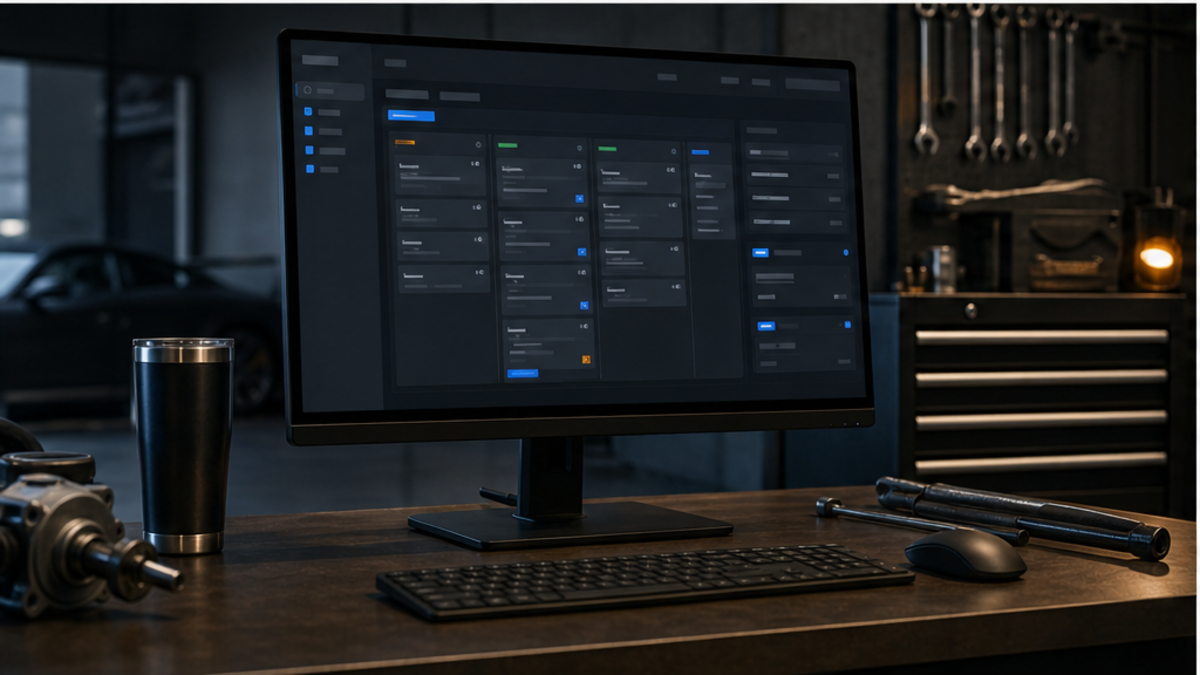
Turn customer concerns, inspection findings, labor, parts, approvals, and invoices into one clean repair-order path.
How it helps
Run repair orders, estimates, approvals, invoices, payments, and service history from one shop workflow.
Shop use cases
Use TorqueLedger to keep this workflow visible, actionable, and connected to the rest of the repair order.
Use TorqueLedger to keep this workflow visible, actionable, and connected to the rest of the repair order.
Use TorqueLedger to keep this workflow visible, actionable, and connected to the rest of the repair order.
Use TorqueLedger to keep this workflow visible, actionable, and connected to the rest of the repair order.
Common questions
TorqueLedger brings customer intake, vehicle records, estimates, approvals, invoices, payments, and service history into one repair-order workflow instead of spreading the front counter across disconnected notes and tools.
Yes. Inspection findings, recommended work, approved or declined lines, parts, labor, payments, and follow-up reminders stay tied to the same customer and vehicle record.
Yes. The workflow is designed for independent shops that need a practical counter system without enterprise shop software bloat.
Founding 50
Founding shops get the shop workflow plus starter training templates for advisors, inspections, onboarding, and comeback prevention.
Workflow library
TorqueLedger now has practical guides for parts margin leakage, customer approval proof, no-show appointment policy, and shop workflow checklists.
August 2026 repair-order check
Before a shop moves more work into software, the repair-order view should answer four questions quickly: what is waiting on the customer, what is waiting on parts, what is ready to invoice, and what needs follow-up after pickup.
Keep inspection proof, estimate lines, customer decisions, and declined work attached to the order.
Surface invoice totals, payment state, pickup promise, and notes that matter before the vehicle leaves.
Preserve declined recommendations and service history so advisors have a reason to follow up later.