
Repair orders
Open jobs with customer, vehicle, technician, appointment, estimate, invoice, payment, and history context together.
Features
TorqueLedger keeps the counter focused: find the customer, open the vehicle, build the job, get approval, invoice the work, collect payment, and follow up on anything that slipped.
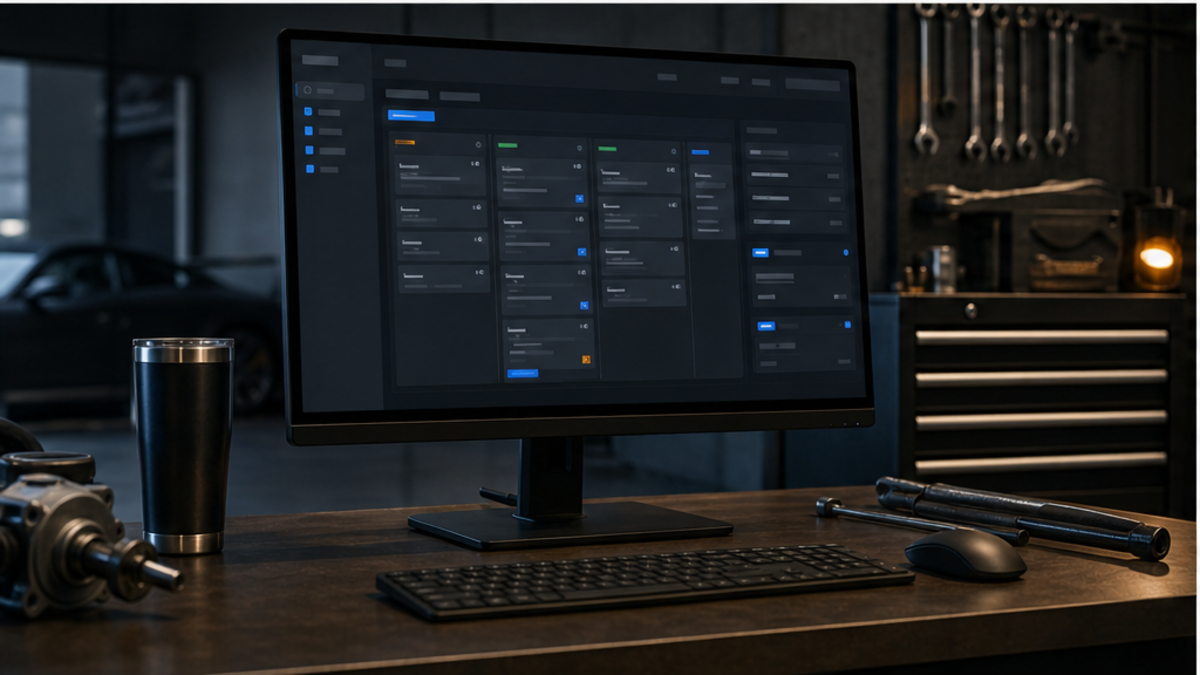
Workflow modules
Open jobs with customer, vehicle, technician, appointment, estimate, invoice, payment, and history context together.
Capture findings, severity, photos, recommendations, approved work, declined work, and proof for the customer conversation.
Send customer-facing approvals with signed decisions, approval totals, and records that stay attached to the invoice trail.
Track invoice lines, manual payments, cashout, card-on-file consent, e-transfer notes, and outstanding balances.
Fastmail and Twilio-backed message workflows keep failed, queued, sent, and manually handled follow-ups visible.
See approvals waiting, balances due, declined-work recovery, customer counts, backup state, and launch readiness.
Get the workflow
Compare Starter, Founding 50 Full Access, Full Access, and Trial + Onboarding.
Workflow note
TorqueLedger pages are organized around practical service-counter work: finding the customer, opening the vehicle record, documenting the inspection, explaining the estimate, recording the approval decision, creating the invoice, collecting payment, and queuing the follow-up. That structure helps a small repair shop keep daily work moving without losing owner visibility.
Use this page as one part of the operating map. The related feature, approval, invoice, payment, onboarding, and reporting pages show how each action connects back to the same customer and repair order record.
Shop operating detail
Before a shop changes software, the owner should confirm how the current process handles customer records, vehicle notes, inspection proof, estimate authorization, invoice totals, payment collection, follow-up reminders, and reporting. TorqueLedger is designed so each page explains one piece of that chain and points back to the same operational record.
That gives the team a clearer adoption path: start with the painful workflow, test it with real examples, then expand into adjacent workflows once advisors and owners trust the process.
Scheduling capacity
Use the daily shop schedule capacity checklist to review technician hours, bay time, approval status, parts readiness, pickup promises, and declined-work opportunities before the counter gets busy.
Workflow library
TorqueLedger now has practical guides for parts margin leakage, customer approval proof, no-show appointment policy, and shop workflow checklists.
Product pages
Comparing shop software?
August 2026 workflow focus
For independent shops, the best rollout path is still practical: start with the counter workflow that slows today down, usually approvals, repair-order closeout, payment collection, or declined-work follow-up, then expand once the team trusts the record.
Keep recommended work, customer decisions, totals, and follow-up state visible from the same repair-order trail.
Review open invoices, unpaid balances, promised pickup times, and missing payment notes before the end-of-day rush.
Use daily signals to catch delayed approvals, stale jobs, and missed recovery opportunities before they become write-offs.