
Live
Shop login, customer portal shell, repair order workflow, invoices, approval proof, public forms, secure API health, and exportable operating records.
Integrations
TorqueLedger is built to keep core shop records clean while connecting email, SMS, billing, accounting, calendar, parts, and import paths where they help.
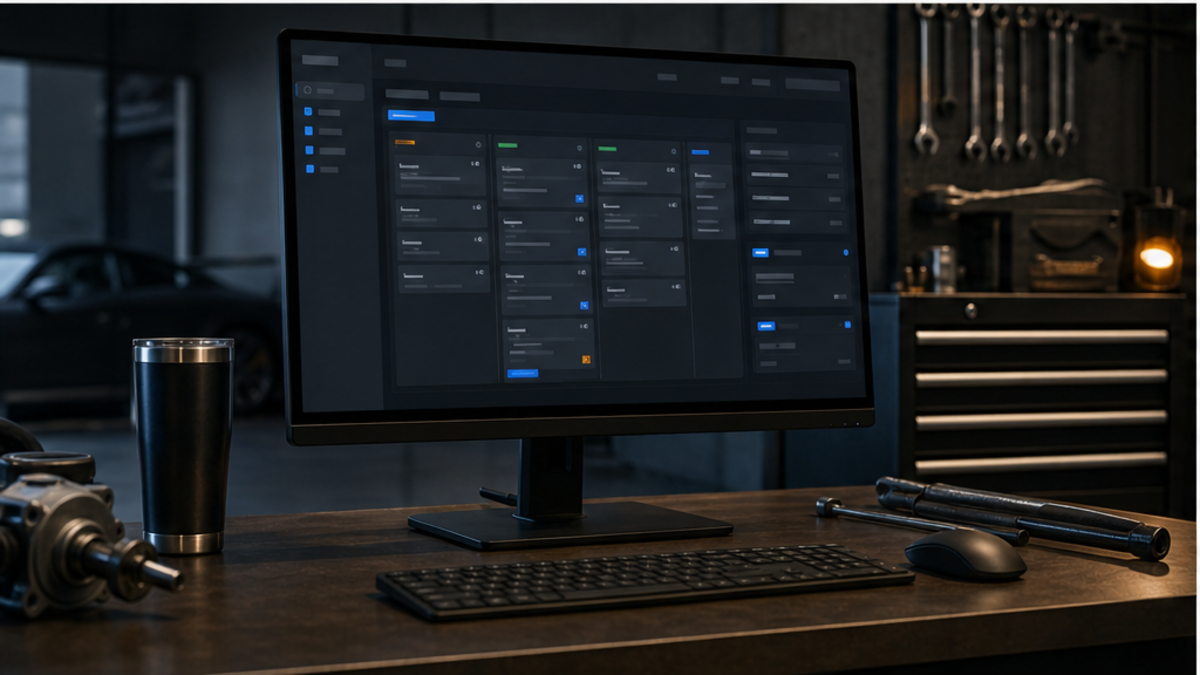
Integration status
TorqueLedger is honest about the current wedge: money workflow first, then deeper live integrations where they truly help.
Shop login, customer portal shell, repair order workflow, invoices, approval proof, public forms, secure API health, and exportable operating records.
Fastmail email workflow, Twilio SMS outbox, Global Payments/terminal handoff notes, shop settings, users, message templates, and import review.
QuickBooks-ready posting packets for customers, invoices, payments, HST/GST, receivables, fees, deposits, refunds, and daily closeout review.
Reusable catalog notes, invoice snapshots, supplier references, parts-margin review, and importable vendor data. Live lookup/order integrations are not claimed as automatic today.
Nexpart, WORLDPAC, PartsTech, RepairLink, MyPlaceForParts, AutoZone Pro, Advance Pro, and direct QuickBooks Online sync depend on partner/API access.
Customer consent, STOP/HELP handling, opt-out records, failed-send review, retry status, and manual approval stay part of the setup conversation.
Provider workflows
Provider names and logos are used only to identify integration workflows.

Parts ordering references can stay connected to the repair order workflow.

Parts lookup and order context can be tracked beside customer approvals.

Invoice, tax, payment, and receivable records stay export-ready.

Subscription and payment workflows can be staged for paid account activation.

Customer message workflow can route through a controlled shop inbox.
Connection map
Send invoice/customer messages from the shop workflow with tenant-aware reply-to routing.
Text customer message drafts through a controlled outbox with sent, failed, retry, and manual follow-up states.
Subscription checkout and webhook paths are staged for paid account activation once live Stripe settings are configured.
Keep invoice, tax, receivable, payment, and export-ready records organized before accounting sync.
Route appointments and schedule visibility into the shop workflow without making the calendar the source of truth.
Review CSV exports from ALLDATA, CAR, Mitchell 1, Tekmetric, QuickBooks, and similar systems before applying data.
Migration proof
Complete Auto Reports/CAR, Mitchell 1, ALLDATA, Tekmetric, Shopmonkey, QuickBooks, and CSV exports can be reviewed during onboarding.
Customers, vehicles, VIN, plate, phone, email, repair history, invoice totals, balances, declined work, taxes, and payment status.
Duplicate handling, missing-contact review, vehicle matching, tax sanity checks, sample import approval, backup/export plan, and rollback notes.
Integration setup
Tell us your current software stack and we will recommend the cleanest onboarding path.
Workflow note
TorqueLedger pages are organized around practical service-counter work: finding the customer, opening the vehicle record, documenting the inspection, explaining the estimate, recording the approval decision, creating the invoice, collecting payment, and queuing the follow-up. That structure helps a small repair shop keep daily work moving without losing owner visibility.
Use this page as one part of the operating map. The related feature, approval, invoice, payment, onboarding, and reporting pages show how each action connects back to the same customer and repair order record.
Shop operating detail
Before a shop changes software, the owner should confirm how the current process handles customer records, vehicle notes, inspection proof, estimate authorization, invoice totals, payment collection, follow-up reminders, and reporting. TorqueLedger is designed so each page explains one piece of that chain and points back to the same operational record.
That gives the team a clearer adoption path: start with the painful workflow, test it with real examples, then expand into adjacent workflows once advisors and owners trust the process.