Appointment intake from booking tools
Use TorqueLedger to keep this workflow visible, actionable, and connected to the rest of the repair order.
TorqueLedger product workflow
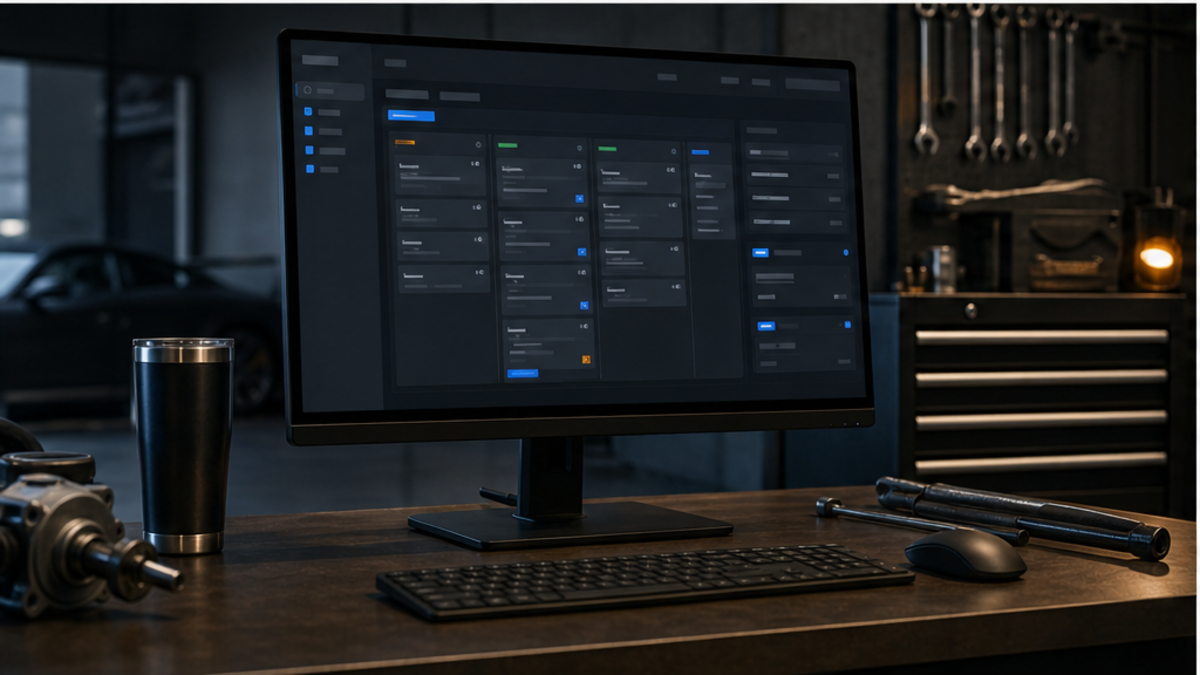
TorqueLedger keeps appointments, job status, service advisor notes, technicians, and bay visibility close to the RO.
How it helps
Schedule repair work, assign jobs, connect booking requests, and keep service advisors aligned with the bay plan.
Shop use cases
Use TorqueLedger to keep this workflow visible, actionable, and connected to the rest of the repair order.
Use TorqueLedger to keep this workflow visible, actionable, and connected to the rest of the repair order.
Use TorqueLedger to keep this workflow visible, actionable, and connected to the rest of the repair order.
Use TorqueLedger to keep this workflow visible, actionable, and connected to the rest of the repair order.
Common questions
Scheduling works better when bookings, assigned jobs, bay planning, customer details, and repair-order status are visible in the same workflow.
Yes. TorqueLedger is built to keep the shop workflow as the source of truth while connecting appointment intake and staff visibility tools around it.
Yes. Declined work and maintenance reminders can feed future follow-ups so the shop has a clearer path back to the customer.
Founding 50
Founding shops get the shop workflow plus starter training templates for advisors, inspections, onboarding, and comeback prevention.