
Create customer, household, fleet, and vehicle records
Use TorqueLedger to keep this workflow visible, actionable, and connected to the rest of the repair order.
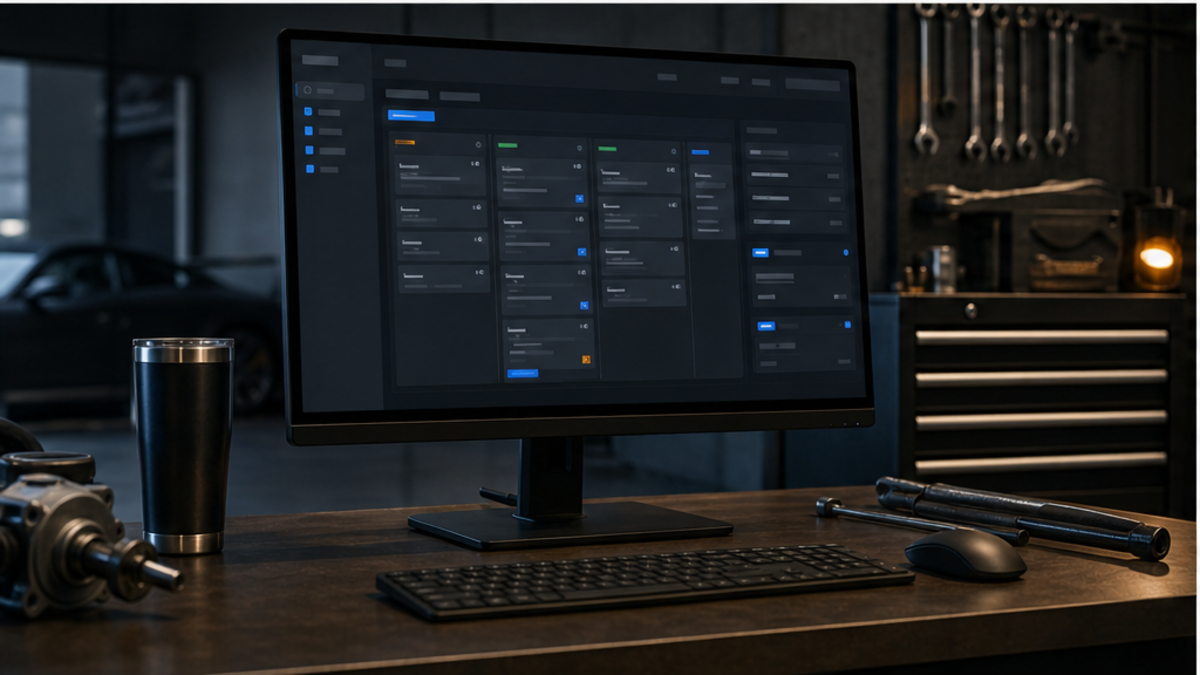
TorqueLedger product workflow
Turn customer concerns, inspection findings, labor, parts, approvals, and invoices into one clean repair-order path.
How it helps
Run repair orders, estimates, approvals, invoices, payments, and service history from one shop workflow.
Shop use cases
Use TorqueLedger to keep this workflow visible, actionable, and connected to the rest of the repair order.
Use TorqueLedger to keep this workflow visible, actionable, and connected to the rest of the repair order.
Use TorqueLedger to keep this workflow visible, actionable, and connected to the rest of the repair order.
Use TorqueLedger to keep this workflow visible, actionable, and connected to the rest of the repair order.
Common questions
TorqueLedger brings customer intake, vehicle records, estimates, approvals, invoices, payments, and service history into one repair-order workflow instead of spreading the front counter across disconnected notes and tools.
Yes. Inspection findings, recommended work, approved or declined lines, parts, labor, payments, and follow-up reminders stay tied to the same customer and vehicle record.
Yes. The workflow is designed for independent shops that need a practical counter system without enterprise shop software bloat.
Founding 50
Founding shops get the shop workflow plus starter training templates for advisors, inspections, onboarding, and comeback prevention.