
Customer, invoice, payment, and receivable summaries
Use TorqueLedger to keep this workflow visible, actionable, and connected to the rest of the repair order.
TorqueLedger product workflow
TorqueLedger keeps shop workflow as the source of truth, then prepares cleaner accounting records instead of forcing the counter to live inside accounting software.
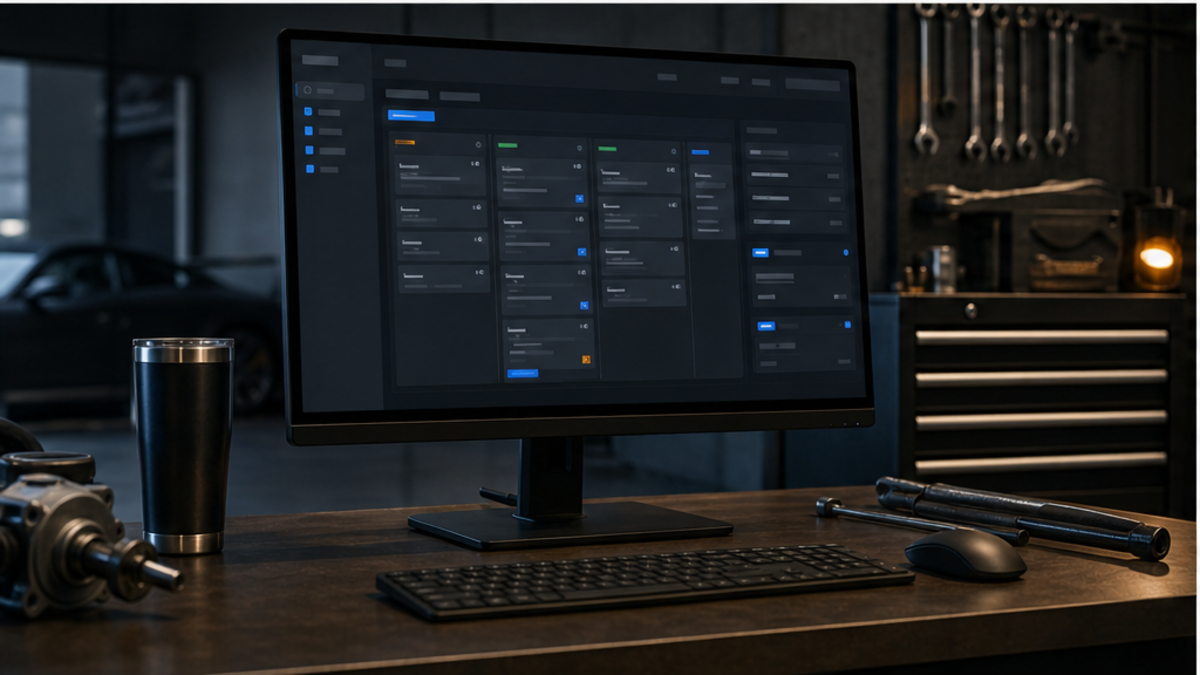
How it helps
Prepare cleaner QuickBooks-ready auto repair shop records for invoices, payments, HST, receivables, and revenue reporting.
Shop use cases
Use TorqueLedger to keep this workflow visible, actionable, and connected to the rest of the repair order.
Use TorqueLedger to keep this workflow visible, actionable, and connected to the rest of the repair order.
Use TorqueLedger to keep this workflow visible, actionable, and connected to the rest of the repair order.
Use TorqueLedger to keep this workflow visible, actionable, and connected to the rest of the repair order.
Common questions
Repair shops need clean invoice, payment, HST, receivable, and revenue records before month end so bookkeeping does not depend on memory or scattered counter notes.
No. TorqueLedger is the shop workflow layer. It organizes repair-order and payment details so QuickBooks-ready records are easier to review and post.
It surfaces revenue before tax, HST collected, payment method totals, receivables, invoice state, and posting status for owner visibility.
Founding 50
Founding shops get the shop workflow plus starter training templates for advisors, inspections, onboarding, and comeback prevention.