Inspection templates for common shop workflows
Use TorqueLedger to keep this workflow visible, actionable, and connected to the rest of the repair order.
TorqueLedger product workflow
Use repeatable DVI workflows to document what was checked, what failed, what matters now, and what should be followed up later.
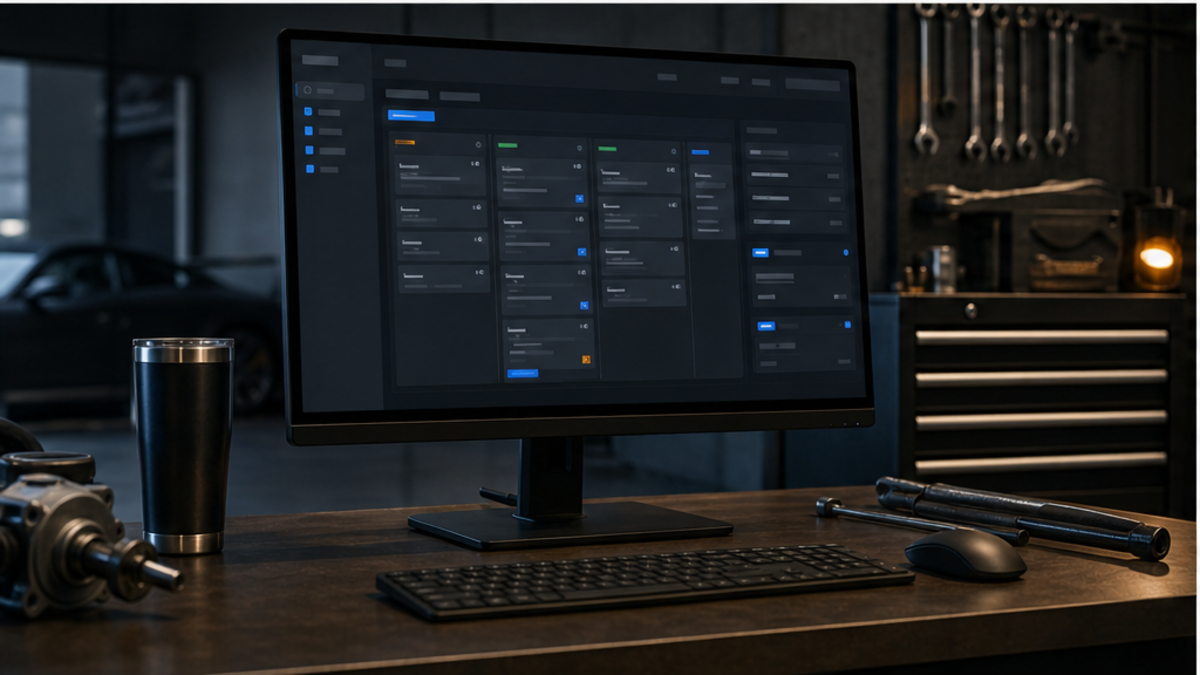
How it helps
TorqueLedger helps shops document inspection findings, proof, severity, approvals, and customer-ready recommendations.
Shop use cases
Use TorqueLedger to keep this workflow visible, actionable, and connected to the rest of the repair order.
Use TorqueLedger to keep this workflow visible, actionable, and connected to the rest of the repair order.
Use TorqueLedger to keep this workflow visible, actionable, and connected to the rest of the repair order.
Use TorqueLedger to keep this workflow visible, actionable, and connected to the rest of the repair order.
Common questions
Digital vehicle inspections help advisors document findings, severity, recommendations, and proof so customers can understand the work and approve decisions with less back-and-forth.
Yes. TorqueLedger is designed to turn declined work into follow-up reminders so recommended repairs do not disappear after the customer leaves.
Yes. Inspection findings can support recommendations, customer approvals, estimate lines, invoices, and service history inside the same shop workflow.
Founding 50
Founding shops get the shop workflow plus starter training templates for advisors, inspections, onboarding, and comeback prevention.