
Labor, parts, supplies, discounts, HST, and balance tracking
Use TorqueLedger to keep this workflow visible, actionable, and connected to the rest of the repair order.
TorqueLedger product workflow
TorqueLedger keeps invoice lines, tax, payments, balances, customer records, and vehicle history tied together.
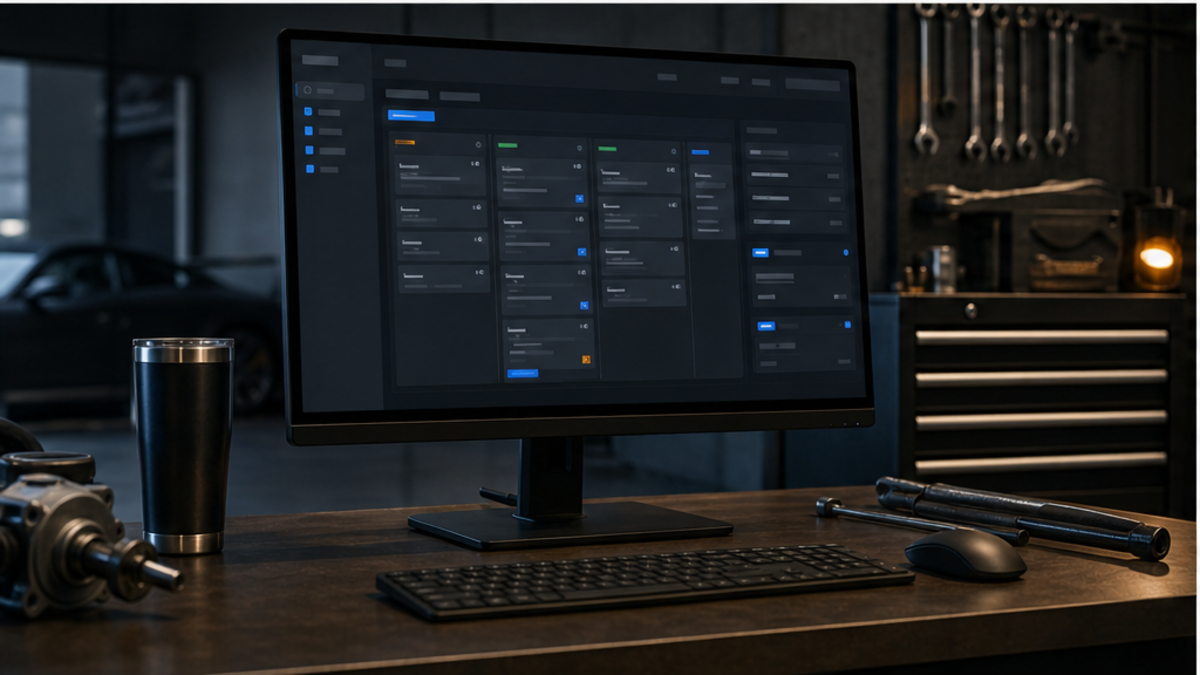
How it helps
Invoice labor, parts, shop supplies, HST, payments, balances, and QuickBooks-ready repair shop records.
Shop use cases
Use TorqueLedger to keep this workflow visible, actionable, and connected to the rest of the repair order.
Use TorqueLedger to keep this workflow visible, actionable, and connected to the rest of the repair order.
Use TorqueLedger to keep this workflow visible, actionable, and connected to the rest of the repair order.
Use TorqueLedger to keep this workflow visible, actionable, and connected to the rest of the repair order.
Common questions
A shop invoice should track labor, parts, supplies, discounts, HST, payments, balances, customer approvals, and the accounting state needed for cleaner owner reporting.
Yes. Invoices stay connected to customer and vehicle records so the next visit has cleaner history, balances, and prior work context.
Yes. TorqueLedger keeps revenue, HST, payment methods, receivables, and posting state organized so accounting work is easier to review.
Founding 50
Founding shops get the shop workflow plus starter training templates for advisors, inspections, onboarding, and comeback prevention.